The AI security analyst for your home network.
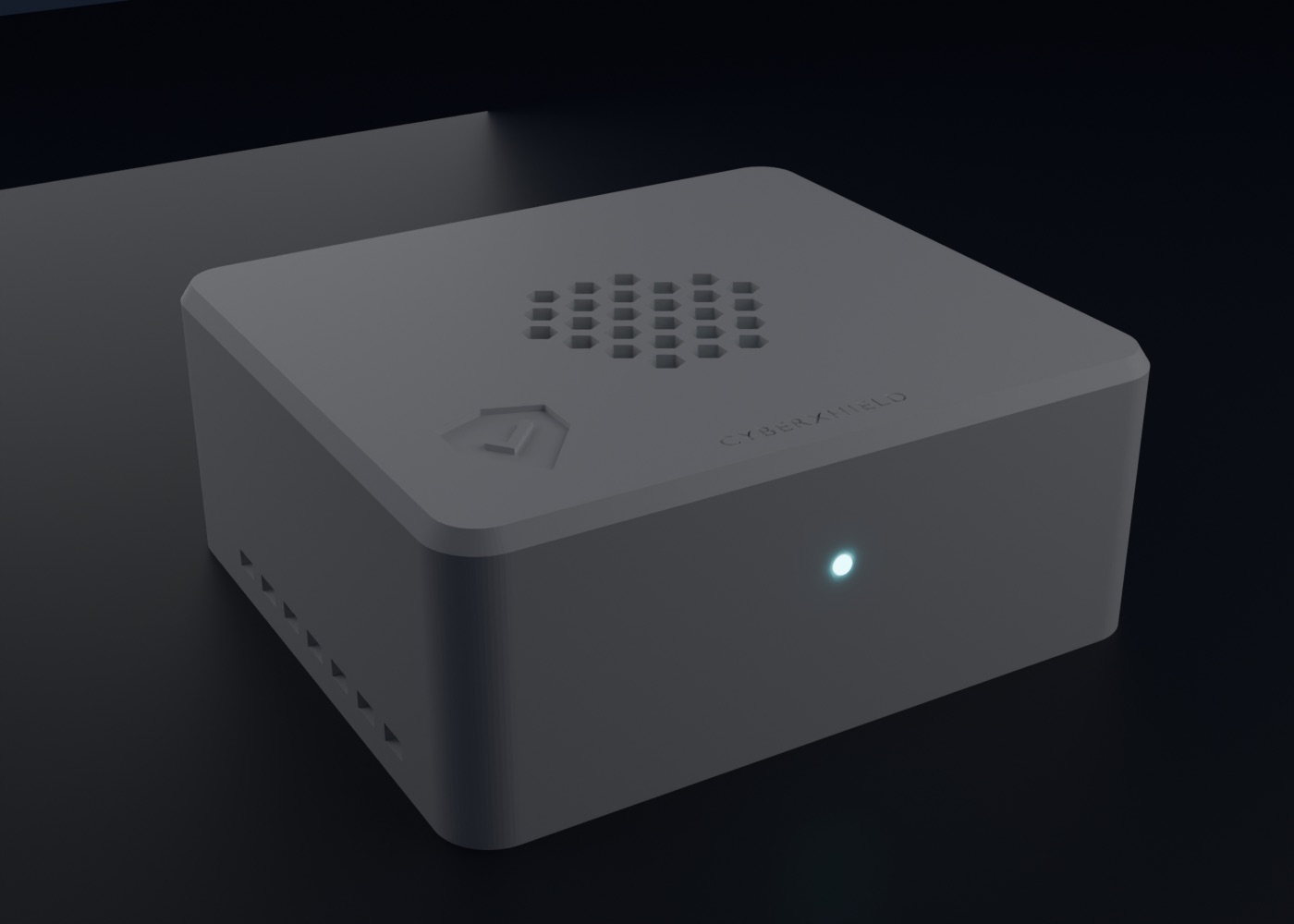
A small box that watches every device in your home, spots attacks by how devices behave, and answers them with an AI analyst you stay in control of.
Detect. Propose. Check. Act.
Every step is shown to you in plain language. The AI writes proposals; safety checks and a replay of real traffic decide whether they are safe to apply.
Learns your network
Each phone, TV and camera gets its own normal. When one starts behaving differently, an incident opens within seconds.
AI writes a response
An on-device model reads the evidence and proposes one action: watch, block a domain, or quarantine the device.
Checked and replayed
Hard safety rules, then a replay of the last 10 minutes: what would it block, and would any other device be hit?
You apply, it watches
It watches for a minute first, then enforces, ends on its own, and undoes itself if it would harm another device.
Built for the attacks that hit homes today.
Behaviour first, lists second, so it also sees attacks no one has catalogued yet.
Malware, phishing and botnet servers
Hundreds of thousands of known-bad domains, refreshed every 6 hours. The device that tried is flagged: it may be infected.
Malware hunting for its server
Machine-generated domain names, spotted by a model trained on a million real ones, even when the names resolve.
Data leaking out through DNS
Encoded data hidden inside lookups to one domain, the way stolen data is smuggled out of a network.
Hijacked smart devices
A camera or TV that suddenly talks to domains it never used: the first sign of a botnet infection.
Attacks that adapt
Learns from every incident it stops, can answer attacks you approved before on its own, and checks new actively-exploited vulnerabilities against your devices daily.
Open doors on your devices
A look-only network scan finds weak services: Telnet, open camera streams, exposed databases and AI servers.
We attacked it with an AI.
A separate machine ran an AI attacker against the box for six minutes. It could only see the answers it got, and changed tactics every round.
What it does not see, yet.
Security products rarely say this. We think you should know.
- Attacks through trusted services. Phishing on a real Microsoft login page or data sent to a cloud drive looks legitimate from the network. Keep device protection on.
- Connections straight to an IP address and DDoS traffic never ask DNS. The inline mode, coming next, closes this.
- Your data stays home. The AI runs on the box. Cloud AI is optional and only ever sees looked-up names with a scrambled device id.
Two ways to protect a home.
CyberXhield Home box
Plug it into your router. AI on board, works even if the internet is slow, nothing leaves the house.
- Every device, identified individually
- On-device AI analyst
- Network scan and attack lab
- Console on your phone and laptop
CyberXhield Cloud
No hardware: install a profile on your phone and laptop, protected at home and on the go.
- Encrypted DNS (DoH/DoT) per device
- Same detection and AI analyst
- Works on any network
- Coming after the box
Know what your devices are really doing.
Early access is opening for a small number of homes. Sign in with Google to reserve a box.
Get early access